What Is a Crypto Wallet? Hot vs. Cold Storage Explained
A plain-language breakdown of how crypto wallets actually work, and why the choice between hot and cold storage is the first real security decision every holder makes.
Selin AydinSecurity Editor · Crypto security, custody, exploits and smart-contract riskUpdated 31 July 2026
The short answer
A wallet stores keys, not coins: the assets stay on the blockchain and the wallet holds the private key that authorises moving them. Hot wallets are connected to the internet and suit spending; cold wallets keep keys offline and suit holdings. The backup matters more than the device, because a lost or exposed recovery phrase loses the funds regardless of what hardware you bought.
A crypto wallet is the single piece of infrastructure that stands between you and your coins. Understand it badly, and everything downstream — exchanges, DeFi, NFTs — becomes a minefield. Understand it well, and the rest of crypto starts to make a lot more sense. This guide covers what a crypto wallet actually is, how hot and cold storage differ, and how to decide which one deserves your money.
What a wallet actually does
Contrary to the name, a crypto wallet doesn't hold coins the way a leather wallet holds banknotes. Your assets live permanently on the blockchain, recorded in a public ledger that every node on the network can verify. What a wallet stores is the private key — a long string of cryptographic data that proves you control a given address and authorises transactions from it. Lose the key, lose the ability to move the funds. Someone else gets the key, they get the funds. That's the whole game, and it doesn't change no matter how polished the app around it looks.
Think of the blockchain as a public property registry and the private key as the only notarised signature that can transfer a deed. The wallet software is simply the interface that lets you sign that transfer without typing out sixty-four characters of hexadecimal by hand. Everything else — the balance display, the swap button, the NFT gallery — is convenience layered on top of that one cryptographic fact.
A related term worth knowing is the public address, which is derived from your private key but can be shared freely — it's what you give someone to receive funds, roughly analogous to an account number. The private key, by contrast, should never be shared with anyone, ever, under any circumstance a legitimate service would ask for.
Hot wallets: convenient, always connected
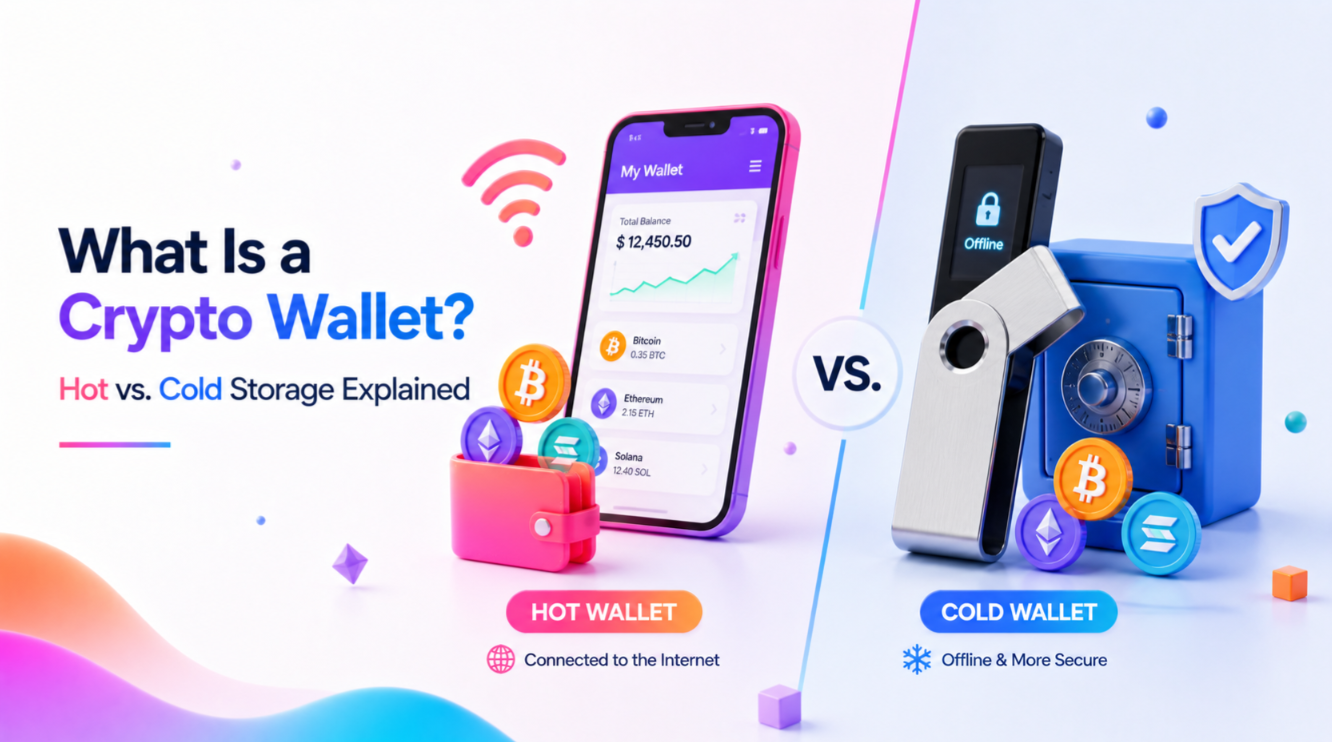
A hot wallet is any wallet connected to the internet — a browser extension like MetaMask, a mobile app like Trust Wallet, or the wallet built into an exchange account. Hot wallets are fast and free to set up, and they're what you need for everyday activity: swapping tokens, minting an NFT, bridging between chains, or interacting with a DeFi protocol that needs a live connection to approve transactions.
The tradeoff is exposure. Because the private key sits on an internet-connected device, it's reachable by malware, phishing pages that mimic wallet pop-ups, and malicious browser extensions that request excessive permissions. Clipboard hijackers — malware that silently swaps a copied wallet address for an attacker's own the moment before you paste it — remain one of the most common ways hot wallet users lose funds without realising until the transaction is already confirmed. Hot wallets are fine for spending money — the crypto equivalent of what's in your physical wallet on a night out. They are a poor place to keep your savings.
Cold wallets: slower, and that's the point
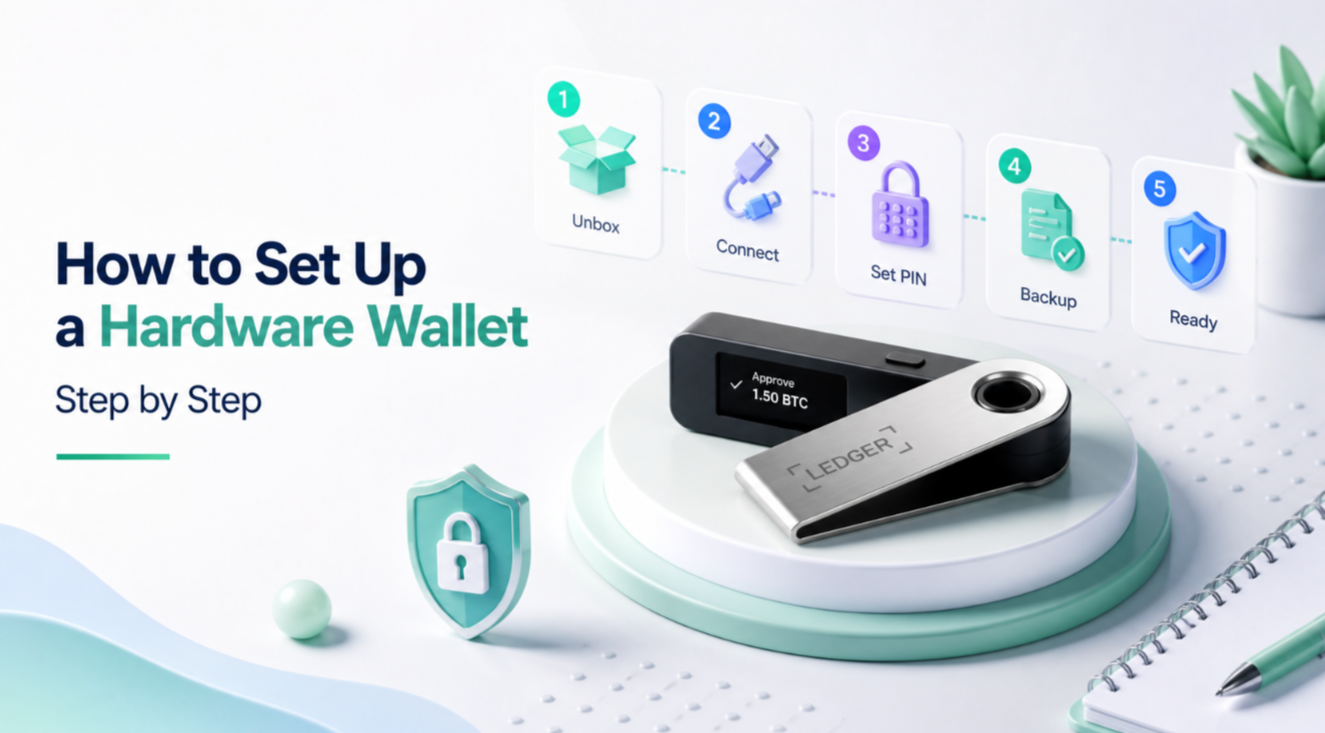
A cold wallet keeps the private key on a device that never touches the internet, most commonly a hardware wallet such as a Ledger or Trezor. To sign a transaction, you plug the device in (or connect via Bluetooth), verify the details on its own screen, and physically confirm with a button press. The key itself never leaves the chip, and it's generated and stored in a way designed to resist extraction even if the device is physically stolen.
This friction is a feature. A hacker who compromises your laptop can't drain a hardware wallet remotely, because there's nothing to steal off the laptop — the signing happens on separate, air-gapped hardware, and the malware has no way to see or alter what's shown on the device's own screen. Paper wallets and steel seed-phrase backups are colder still, in the sense that they're entirely offline, though they trade convenience for even more manual handling and carry their own risks if the paper degrades or the words are copied incorrectly.
Custodial vs. self-custody, briefly
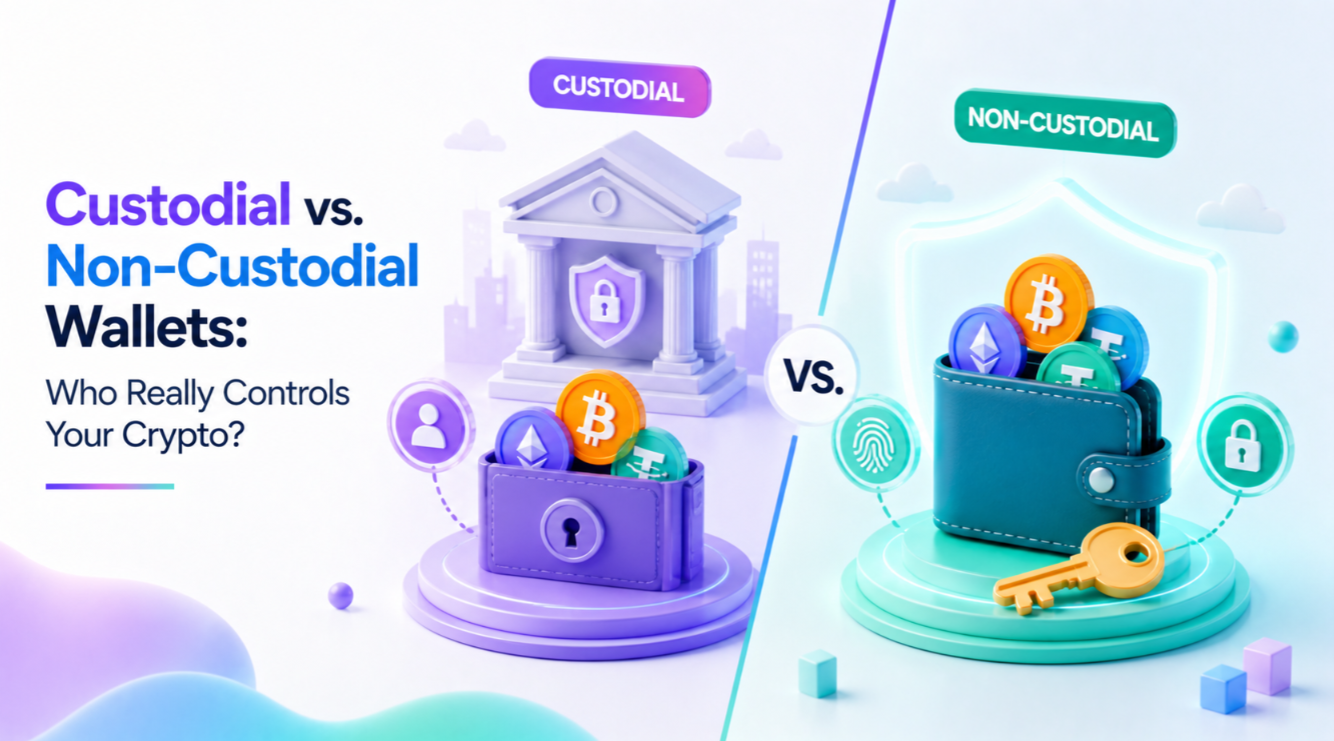
There's a second axis worth knowing alongside hot and cold: who holds the key at all. Leave coins on an exchange and the exchange holds the keys on your behalf — custodial, convenient, but it means you're trusting that company's solvency and security. Move coins into a wallet where only you hold the key — self-custodial — and you take on full responsibility, hot or cold. "Not your keys, not your coins" is the industry's blunt way of putting it, and 2022's exchange collapses, from FTX to Celsius, gave that phrase real teeth for anyone who'd previously treated it as slogan rather than warning.
Software vs. hardware, and why the line matters
Within hot wallets, there's a further split worth understanding: software wallets that run entirely on a general-purpose device (your phone or laptop) versus the increasingly common practice of pairing a software interface with a hardware signer. MetaMask, for instance, can connect to a Ledger device, giving you the familiar browser interface for browsing DeFi apps while the actual private key and signing step stay on the hardware. This hybrid setup is worth considering for anyone who wants the convenience of a software wallet's interface without keeping the key itself on an internet-connected device.
Picking a setup that fits how you actually use crypto
Most people who stay in the space for any length of time end up running a hybrid: a small hot wallet balance for day-to-day trading and gas fees, and a hardware wallet for anything they'd be upset to lose. A useful rule of thumb — treat your hot wallet balance like the cash in your physical wallet, and your cold storage like the contents of a safe. If the number in your hot wallet would ruin your week to lose, it belongs in cold storage instead.
When choosing a hot wallet, stick to well-audited, widely used options and always download from the official site or verified app store listing — fake wallet apps designed to steal seed phrases on setup are a persistent and effective scam vector, particularly around major token launches when search traffic spikes. When choosing hardware, buy directly from the manufacturer or an authorised reseller, never a secondhand marketplace listing, since tampered devices have been used to intercept keys before a user even sets one up, sometimes by pre-loading a fake initialisation screen that captures the seed phrase during first setup.
The habit that matters more than the hardware
Whichever wallet type you use, the practice that actually protects you is verifying every transaction before you sign it — check the destination address character by character, check the amount, check the contract you're interacting with and what permissions it's requesting. Hardware wallets force this by showing you the raw details on an independent screen that malware on your computer can't alter; hot wallets rely on you reading the pop-up instead of clicking through it on autopilot. The wallet is only as secure as the attention you bring to the confirmation screen, and the single biggest cause of wallet drains isn't sophisticated hacking — it's a user approving a malicious transaction they didn't actually read.
Get the wallet type right for the job, keep the key backup safe and offline, and read before you sign — that's the whole discipline, repeated for as long as you hold crypto. None of it requires technical expertise beyond forming the habit, and the habit is what separates the holders who never have a bad story to tell from the ones who do.
A quick word on multisig
For larger balances, some holders go a step further with a multisignature (multisig) wallet, which requires more than one private key to authorise a transaction — say, two of three keys held across different devices or people. This removes the single point of failure entirely: compromise one key, or lose one device, and the funds still can't move without a second signature. It adds real setup complexity, which is exactly why it tends to show up for treasury funds, business accounts, and holders with balances large enough to justify the extra steps, rather than as a default recommendation for a first-time buyer.
FAQ
What does a crypto wallet actually store?+
Keys, not coins. The assets live on the blockchain; the wallet holds the private key that authorises moving them, which is why the backup matters more than the device.
What is the difference between a hot and a cold wallet?+
A hot wallet is connected to the internet and convenient for spending. A cold wallet keeps keys offline, which is slower on purpose and appropriate for holdings you rarely move.
Do I need a hardware wallet?+
Once losing the balance would be a serious event, yes. Below that, a reputable software wallet with a properly stored backup is proportionate.
What matters more than the hardware?+
The backup. Most crypto is lost to a mislaid or exposed recovery phrase rather than to an attacker defeating a device.
 Selin AydinSecurity Editor · Crypto security, custody, exploits and smart-contract risk